Choosing a Vector Database in 2026: pgvector vs Pinecone vs Chroma
A practical vector database comparison for RAG — pgvector vs Pinecone vs Chroma on cost, scale, ops, and filtering. Which one I default to, when I switch, and the decision rule I use on client builds.
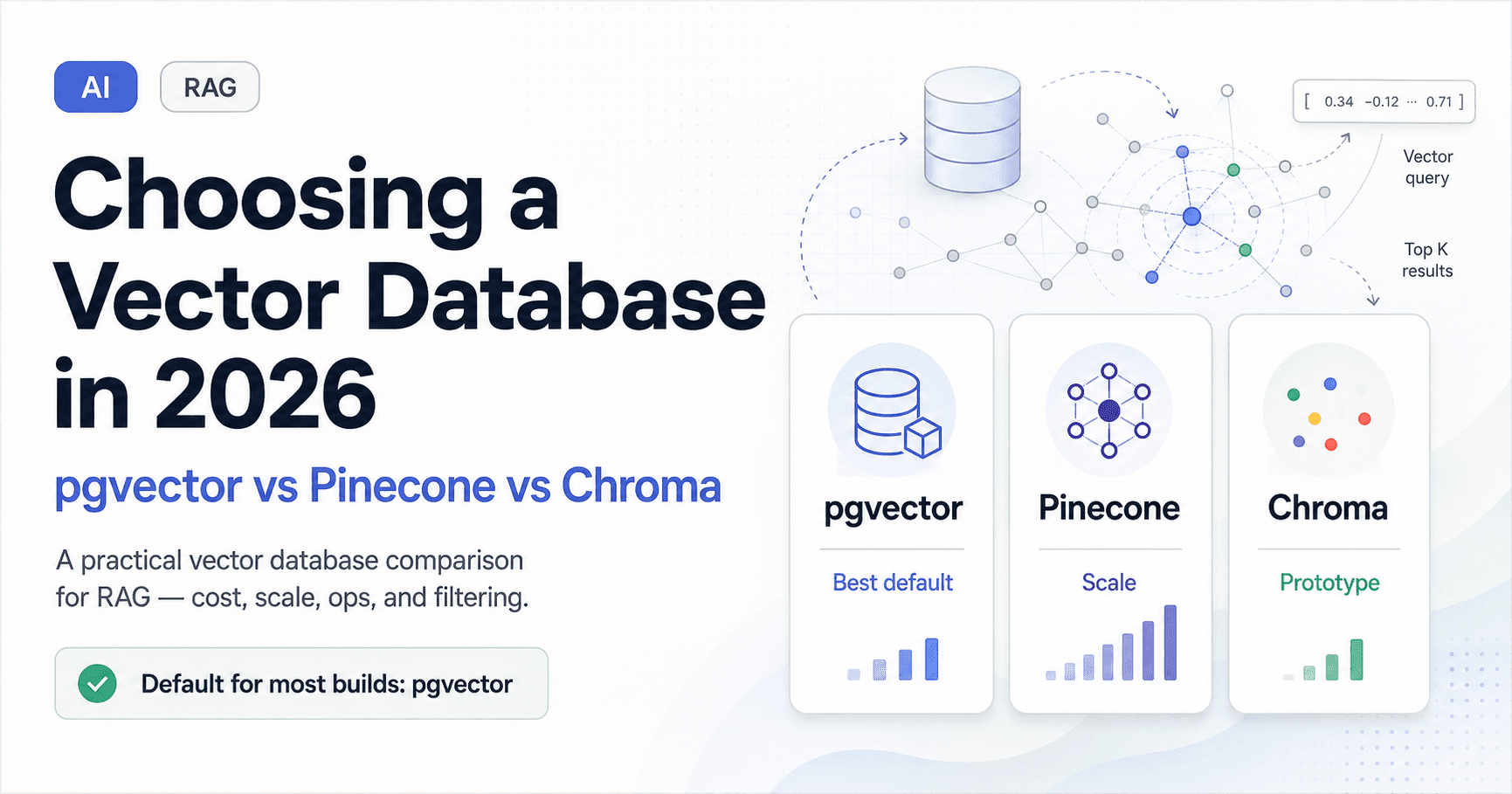
Every RAG project hits the same fork: where do the embeddings live? The internet's default answer is "spin up a dedicated vector database," and for most builds that is over-engineering on day one. I run vector search across client systems — the Multi-AI RAG Accounting System uses pgvector in production — so here is the honest comparison of pgvector, Pinecone, and Chroma, and the rule I actually use to choose.
Quick answer: which vector database to use
Default to pgvector if you already run Postgres (most teams do). You get vectors and relational data in one database, real SQL filtering, and no extra system to operate — and it handles the volume most apps never exceed.
Choose Pinecone when you have tens of millions of vectors or more, need low latency at very high query volume, and would rather pay for a managed service than run indexing yourself.
Choose Chroma for local development, prototyping, and small-to-medium apps where getting a working retrieval demo fast matters more than scale.
The mistake is reaching for a specialized vector DB before your data volume justifies it. "One fewer system to operate" is a real feature.
What a vector database actually does
A vector database stores embeddings — arrays of numbers that capture the meaning of text or other data — and answers one question very fast: "which stored vectors are most similar to this query vector?" It does this with approximate nearest-neighbor (ANN) search, which trades a tiny amount of exactness for enormous speed. That similarity search is the retrieval step in RAG, semantic search, and recommendation systems. Everything else a given product adds — filtering, hosting, dashboards — sits on top of that core job.
The comparison
| Factor | pgvector | Pinecone | Chroma |
|---|---|---|---|
| Type | Postgres extension | Managed cloud service | Open-source, embedded or server |
| Hosting | Wherever Postgres runs | Fully managed only | Self-host / local / embedded |
| Best scale | Up to low millions of vectors | Tens of millions and beyond | Thousands to low millions |
| Metadata filtering | Full SQL — its superpower | Native, good | Basic to moderate |
| Ops burden | Already on your stack | Near zero (managed) | Low for dev, more at scale |
| Cost | Your existing DB cost | Recurring, scales with usage | Free (self-hosted infra cost) |
| Best for | Most production RAG | Very large scale, high QPS | Prototyping, small/medium apps |
pgvector: my default, and probably yours
pgvector is an extension that adds a vector column type and similarity operators to PostgreSQL. The case for it is almost entirely about consolidation: one database holds your application data and your embeddings, so you write a single query that filters on real columns and ranks by vector similarity at the same time.
-- find the 5 most similar chunks, filtered by real metadata
SELECT id, content, embedding <=> :query_vec AS distance
FROM documents
WHERE org_id = :org_id          -- ordinary SQL filtering
  AND created_at > now() - interval '90 days'
ORDER BY embedding <=> :query_vec
LIMIT 5;
That combination of vector search and SQL filtering in one statement is genuinely hard to beat for real applications — in the accounting system, "find passages similar to this question, but only for this client and this quarter" is one query, not a vector lookup followed by a filtering dance. You also inherit Postgres transactions, backups, and tooling you already know.
The limits are real but distant for most: at very large scale (well into the millions of vectors) you'll tune the ANN index (HNSW) carefully, and eventually a dedicated engine wins on raw query throughput. Most projects never get there.
Pinecone: when scale is the actual problem
Pinecone is a fully managed vector database built for one job at large scale. You do not run servers, tune indexes, or manage sharding — you send vectors and queries, it handles the rest, and it stays fast at tens of millions of vectors and high query rates.
You pay for that in two ways: a recurring bill that grows with usage, and the fact that your vectors now live in a separate system from your relational data, so cross-filtering means coordinating two stores. That is a fine trade when your scale genuinely demands a specialized engine — and a poor one when you adopted it for 50,000 vectors because a tutorial said to.
The decision is straightforward: Pinecone earns its cost and its place in your architecture once volume, latency-at-scale, or the desire to never touch indexing infrastructure outweighs the simplicity of keeping everything in Postgres.
Chroma: the fastest path to a working prototype
Chroma optimizes for developer experience early in a project. It runs embedded (in-process) or as a lightweight server, installs in seconds, and gets you from zero to a working retrieval demo faster than anything else here.
import chromadb

client = chromadb.Client()
collection = client.create_collection("docs")
collection.add(documents=texts, embeddings=vecs, ids=ids)

results = collection.query(query_embeddings=[query_vec], n_results=5)
That speed makes it excellent for prototyping, local development, and small-to-medium production apps. The trade-off is that it is less battle-tested for very large scale and heavy concurrent production traffic than Pinecone or a well-tuned Postgres. A pattern I like: prototype on Chroma locally, then decide between pgvector and Pinecone for production based on the scale you actually observe — not the scale you imagine.
The decision rule I use
On a client build I choose in this order:
- Already running Postgres and under a few million vectors? → pgvector. One system, SQL filtering, done.
- Tens of millions of vectors, high query volume, or want zero indexing ops? → Pinecone.
- Prototyping or a small/medium app where dev speed wins? → Chroma, with a clear path to migrate later.
- Genuinely unsure about future scale? → Start on pgvector. Migrating embeddings later is mechanical; over-paying and over-operating from day one is not recoverable effort.
Embeddings are portable — they are just numbers with metadata — so switching stores later is far less painful than people fear. That fact alone argues for starting simple.
Common mistakes
The recurring one is adopting a specialized vector DB before the data justifies it, taking on a second system, a recurring bill, and split filtering for a workload Postgres would have served. Close behind: ignoring metadata filtering when choosing, then discovering your retrieval needs "only this user's documents" and your store makes that awkward. And assuming the vector DB is your accuracy problem — usually retrieval quality is a chunking and hybrid-search problem, not a database one.
The takeaway
Pick the vector database that matches your real scale and stack, not the one with the loudest marketing. pgvector is the right default for most production RAG because it folds vectors into a database you already run with full SQL filtering. Pinecone wins when scale and query volume genuinely demand a specialized managed engine. Chroma wins for prototyping and small apps where dev speed matters most. Start simple, measure, and migrate only when the numbers — not the hype — say you should.
Building RAG and unsure where the embeddings should live? I scope this on every retrieval project. See RAG & Chatbots or book a scope call.
Want this built, not just explained?
That’s the day job. Book a free scope call and bring the half-baked idea.
Book a consultationAyaan Motiwala
AI Specialist in Surat. I ship multi-LLM systems, voice agents, and automations that survive real users — and write about what breaks along the way.
Related reading
 AI
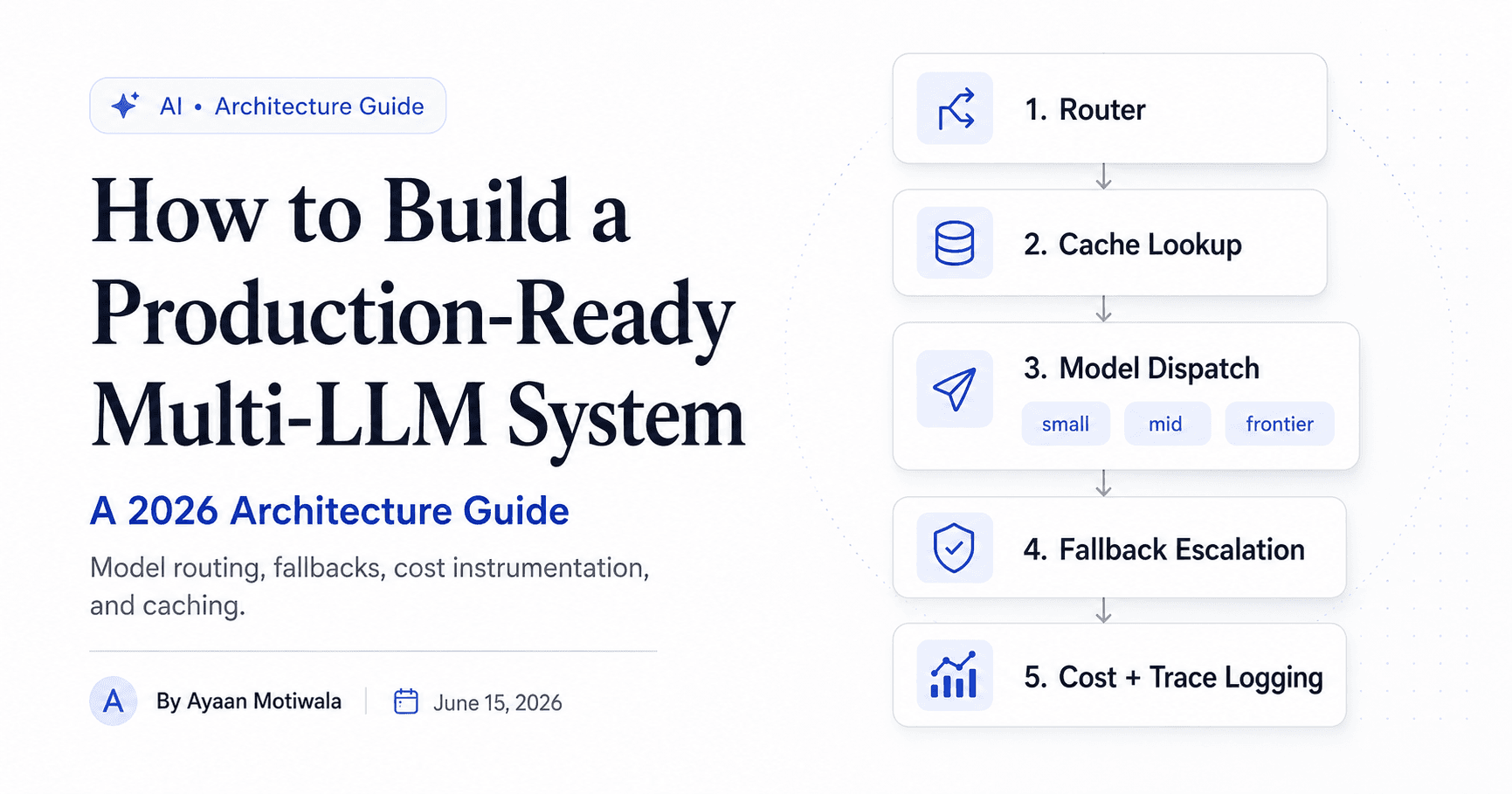
AIHow to Build a Production-Ready Multi-LLM System: A 2026 Architecture Guide
A deep architecture guide to multi-LLM systems — model routing, fallbacks, cost instrumentation, and caching — from someone who runs these in production and cut a client's model bill 40–60%.
 AI
AIRAG Explained: Building Retrieval-Augmented Generation with LangChain
A practical LangChain RAG tutorial that goes past the demo — chunking strategy, embedding choice, hybrid search, evaluation, and the source-citation grounding that keeps a chatbot from making things up.