How to Build a Production-Ready Multi-LLM System: A 2026 Architecture Guide
A deep architecture guide to multi-LLM systems — model routing, fallbacks, cost instrumentation, and caching — from someone who runs these in production and cut a client's model bill 40–60%.
Most teams running production AI have the same bill problem: everything routes through one expensive model because GPT-4-class access was the fastest path to launch. It works, it ships, and then the invoice arrives. A multi-LLM system fixes this without touching the output your users actually care about.
I build these for clients every month — the Multi-AI RAG Accounting System I shipped uses exactly this pattern to keep cost and latency balanced across thousands of queries. This guide is the architecture I actually use, not a diagram from a slide deck.
Quick answer: what a multi-LLM system is
A multi-LLM system routes each incoming request to the cheapest model that can correctly handle it, with automatic fallback to a stronger model when confidence is low. Instead of one model doing everything, you run a small routing layer in front of several models: a fast, cheap model handles classification and extraction; a mid-tier model handles standard generation; a frontier model handles hard reasoning. A router decides which path each request takes, and instrumentation tells you what every path costs.
That is the whole idea. Everything below is how to make it survive real traffic.
Why a single-model architecture breaks down
One model for everything fails in three predictable ways:
The first is cost. You pay frontier prices for tasks — "is this email a complaint or a question?" — that a model 20x cheaper answers identically. At scale, that delta is most of your bill.
The second is latency. Big models are slower. If a user-facing classification step sits behind a frontier model, you are spending a second of wall-clock time on a decision a small model returns in 150ms.
The third is fragility. One provider, one model, one outage, and your whole product is down. Any production AI system needs a fallback path, and once you have a fallback path you already have a multi-LLM system — you might as well design it on purpose.
The core architecture
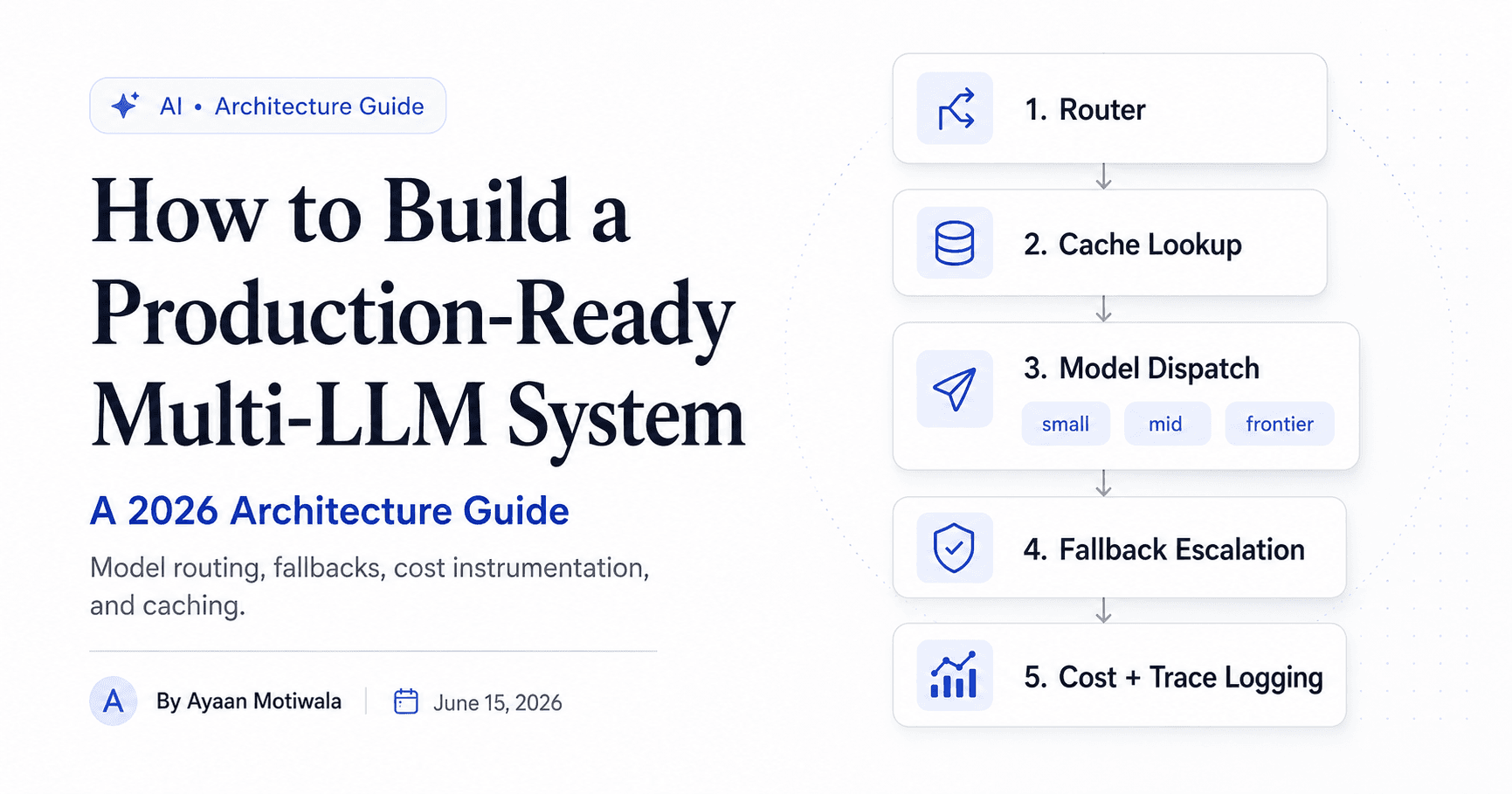
Here is the shape I build to. Five layers, each with one job.
            ┌─────────────────────────────┐
 request ──▶│  1. Router (classifier)     │
            └──────────────┬──────────────┘
                           │ task class + confidence
            ┌──────────────▼──────────────┐
            │  2. Cache lookup            │──▶ hit ──▶ return
            └──────────────┬──────────────┘
                           │ miss
            ┌──────────────▼──────────────┐
            │  3. Model dispatch          │
            │   small · mid · frontier    │
            └──────────────┬──────────────┘
                           │ low confidence / error
            ┌──────────────▼──────────────┐
            │  4. Fallback escalation     │
            └──────────────┬──────────────┘
                           │
            ┌──────────────▼──────────────┐
            │  5. Cost + trace logging    │
            └─────────────────────────────┘
Layer 1: the router
The router is the only part that is genuinely interesting, and it is simpler than people expect. It is a classifier that maps a request to a task class, and each task class has a designated model tier.
You have three reasonable ways to classify, in increasing cost and accuracy:
- Rules and heuristics — token count, regex on intent keywords, the API endpoint the request came from. Free, instant, and correct surprisingly often.
- A tiny embedding classifier — embed the request, compare against centroid vectors for each task class. Cheap, fast, and trainable on your own traffic.
- A small LLM as the router — ask a fast model like a Haiku- or Flash-class model to label the task. More flexible, slightly slower, costs a fraction of a cent.
My default is a layered router: rules first, embedding classifier second, small-LLM router only for the ambiguous remainder. Most requests never reach an LLM to be classified at all.
def route(request: str) -> Route:
    # 1. cheap deterministic rules
    if len(request) < 280 and looks_like_lookup(request):
        return Route(model="small", task="extraction", confidence=0.95)

    # 2. embedding classifier for the common cases
    task, score = embedding_classifier.predict(request)
    if score >= 0.80:
        return Route(model=TIER_FOR[task], task=task, confidence=score)

    # 3. fall back to a small LLM only when we're genuinely unsure
    return llm_router_classify(request)
Layer 2: caching
Caching is the cheapest performance and cost win in the entire system, and most people skip it. Two kinds matter:
Exact-match cache — hash the normalized prompt, store the response in Redis. For high-frequency, low-variance queries (think "what are your business hours" through a support bot) this turns an LLM call into a sub-millisecond lookup.
Semantic cache — embed the request and check whether a near-identical question was answered recently (cosine similarity above a threshold). This catches the 40 ways people phrase the same question. Set the threshold conservatively; a too-loose semantic cache returns confidently wrong answers, which is worse than a cache miss.
Layer 3: model dispatch
Dispatch is a table, not magic. Each task class points at a model tier, and the tier points at a concrete model with a configured fallback chain.
| Task class | Primary model tier | Why |
|---|---|---|
| Classification / routing | Small (fast, cheap) | Deterministic, high-volume, no reasoning needed |
| Extraction / structured output | Small → Mid | Schema-bound; cheap unless the source is messy |
| Standard generation | Mid | The everyday workhorse for replies and summaries |
| Complex reasoning / analysis | Frontier | Where quality is the entire point — never cheap out here |
| Long-context synthesis | Frontier (large context) | Worth the price when the input is huge |
Keep the table in config, not in code. You will retune it as model prices and capabilities shift, and they shift constantly.
Layer 4: fallback and escalation
Fallback handles two failure modes: the provider errored, or the cheap model was not good enough. Both escalate up the chain.
async def dispatch(route, prompt):
    chain = FALLBACK_CHAINS[route.model]  # e.g. ["small", "mid", "frontier"]
    last_error = None
    for tier in chain:
        try:
            resp = await call_model(tier, prompt)
            if confident_enough(resp, route.task):
                return resp
            # not good enough — escalate to the next tier
        except (RateLimitError, TimeoutError, ProviderError) as e:
            last_error = e
            continue
    raise AllModelsFailed(last_error)
The hard part is confident_enough. For structured output, validate against the schema — if it does not parse, escalate. For free text, you can use the model's logprobs where available, a self-check pass, or a heuristic on output length and format. Whatever you choose, make it a measurable function, not a vibe.
Layer 5: cost and trace instrumentation
If you cannot see per-task cost, you are not running a multi-LLM system — you are guessing. Every request should log: task class, model used, whether it was a cache hit, input and output tokens, latency, and computed dollar cost. I push this to a dashboard the client can actually read, because "your support classification costs $0.0003 per call and your report generation costs $0.04" is the conversation that justifies the whole project.
How I tune it without breaking quality
Routing decisions are only safe if you can prove they did not degrade output. The process I follow on every build:
- Build a labeled eval set from real traffic — 100–300 representative requests per task class with known-good answers.
- Establish the single-model baseline quality and cost.
- Introduce routing one task class at a time, re-run the eval, and compare. If quality holds within tolerance, the cheaper route ships. If it does not, that class stays on the strong model.
- Monitor in production with the cost dashboard and a sample of escalations. Rising escalation rates mean the cheap tier is being asked to do too much — retune the table.
This is the difference between "we route to save money and hope it is fine" and "we route to save 52% and the eval shows a 0.4% quality delta we accepted on purpose."
Common mistakes I see in production multi-LLM builds
The most common one is routing with an expensive model. If your router itself is a frontier-model call, you have added cost to every request to decide how to save cost. Route with rules and small models.
The second is no fallback on the cheap tier, so a single small-model hiccup returns garbage to the user. The third is a semantic cache threshold set too loose, which serves wrong answers fast. The fourth is never measuring — shipping the router and assuming the savings without an eval set or a cost dashboard.
When you should not build one
If you make a few hundred LLM calls a day, skip all of this. The engineering cost of a router outweighs the savings, and one good model with a basic retry is the right call. Multi-LLM architecture earns its complexity at volume, when your traffic is skewed toward simple tasks, or when uptime genuinely requires provider redundancy. Building it before you need it is the same mistake as building microservices for a two-person app.
The takeaway
A multi-LLM system is not exotic. It is a classifier, a dispatch table, a fallback chain, a cache, and honest instrumentation. Done right, it cuts model spend 40–60% while your output quality stays flat — and you can prove the second half with numbers. The trick was never the models. It is the taste to route cheap by default and escalate only when the task actually demands it.
Running everything through one expensive model and watching the bill climb? That is exactly the problem I fix — see Multi-LLM Systems or book a free scope call and bring the billing dashboard.
Want this built, not just explained?
That’s the day job. Book a free scope call and bring the half-baked idea.
Book a consultationAyaan Motiwala
AI Specialist in Surat. I ship multi-LLM systems, voice agents, and automations that survive real users — and write about what breaks along the way.
Related reading
 AI
AIRAG Explained: Building Retrieval-Augmented Generation with LangChain
A practical LangChain RAG tutorial that goes past the demo — chunking strategy, embedding choice, hybrid search, evaluation, and the source-citation grounding that keeps a chatbot from making things up.
 AI
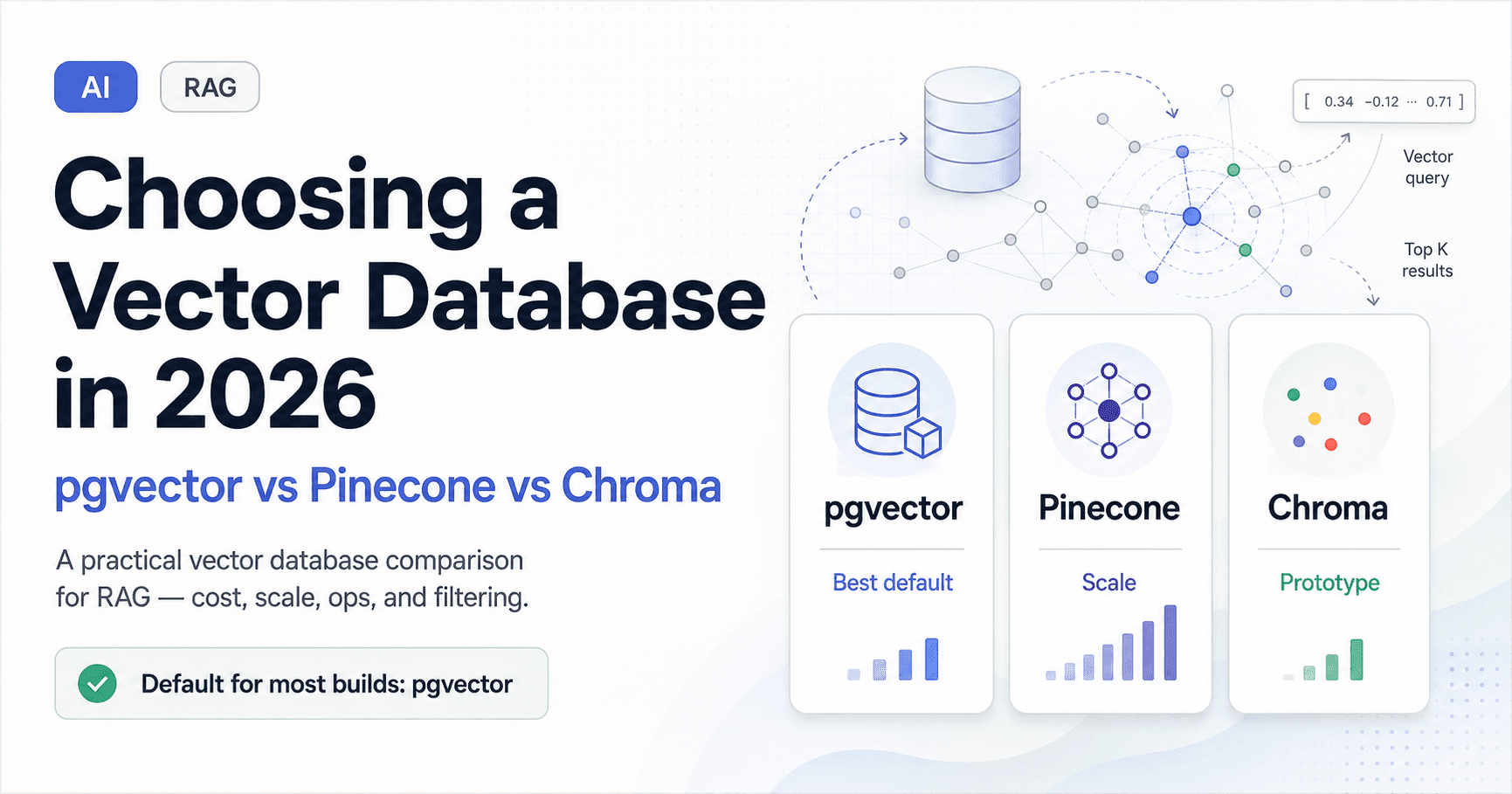
AIChoosing a Vector Database in 2026: pgvector vs Pinecone vs Chroma
A practical vector database comparison for RAG — pgvector vs Pinecone vs Chroma on cost, scale, ops, and filtering. Which one I default to, when I switch, and the decision rule I use on client builds.